Opening: Small Hardware, Big Questions
Most conversations about AI agents assume there’s a powerful cloud instance or a beefy local GPU rig sitting behind them. I wanted to test the opposite end of the spectrum: how far can a self-hosted agent actually go on hardware that isn’t trying to impress anyone? So I dug out a spare Raspberry Pi 4 with a 16GB memory card, and set out to host OpenClaw on it — not as a weekend toy, but as something I’d genuinely can use for proof of concept, connected to the messaging apps I already use every day.
The Shift: From Reading About Self-Hosted Agents To Actually Running One
It’s one thing to read that “OpenClaw is agile and adaptable for any low resource hardware.” It’s a different thing entirely to watch it try to work inside 16GB of storage and modest RAM, and to sit through the platform-specific headaches that come with wiring it up to Telegram and Discord. Cloud AI tools hide all of this from you — you get a chat box and an API key, and the infrastructure problems are somebody else’s problem. Self-hosting drags you back into the plumbing, and honestly, that’s the whole appeal. You come out the other side understanding things you’d never pick up just clicking around a hosted product.
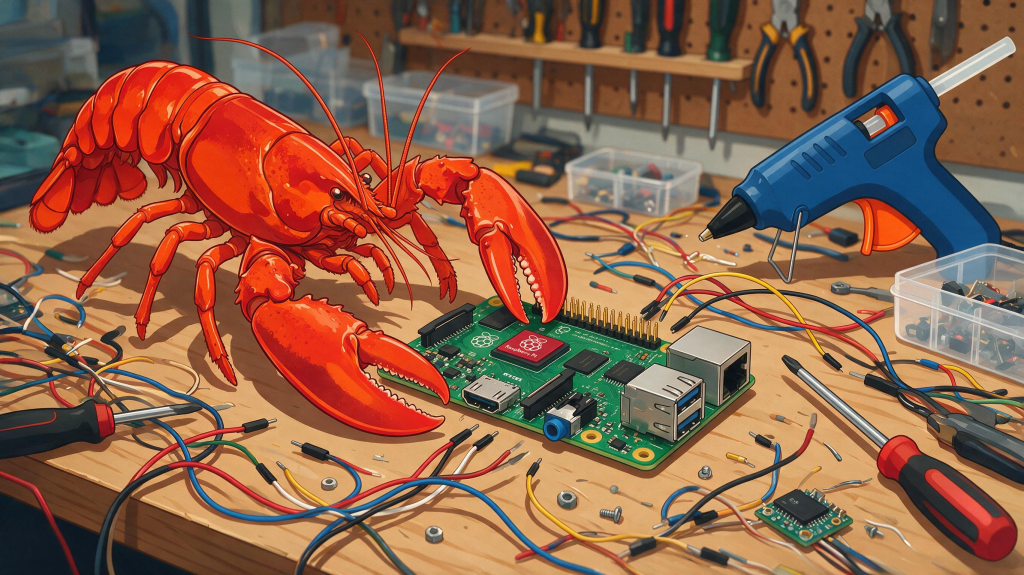
Key Principle: The Setbacks Teach You More Than The Successes
Here’s how my build went:
Hosting on the Pi 4: Getting OpenClaw onto a resource-limited Raspberry Pi 4 running on a 16GB card meant being deliberate about footprint from the start — there’s no room for bloated dependencies or careless configuration when your storage and memory budget is this tight.
Setting up on Debian, OpenClaw: Installation was smooth — no drama.
Connecting to OpenRouter & Telegram : This integration was straightforward — not too bad at all.
Connecting to Discord: This is where things got genuinely challenging. I spent a significant amount of time troubleshooting with the bot on CLI and Telegram before realizing the issue wasn’t my configuration — it was a broken release of OpenClaw itself. Once there’s was a new version, the problem was resolved almost immediately.
The lesson that came out of that Discord detour is the one I’d like to advice on to anyone trying this themselves: always check the changelog before you assume the issue is on your end. Community threads in Reddit are often the fastest way to confirm whether you’re hitting a known issue versus a configuration mistake.
A Simple Step-By-Step Guide: Getting OpenClaw Running On Telegram Via OpenRouter
If you want to try this yourself without repeating my Discord detour, here’s the simplified path I’d follow next time:
1. Prepare the Raspberry Pi 4
- Flash a fresh Debian (or Raspberry Pi OS Lite) image onto your memory card.
- Update the system packages before installing anything else.
- Enable SSH if you’re working headless.
2. Install OpenClaw
- Grab the latest stable release — not just the newest commit. Read the changelog first to understand what you are in for.
- Project source and repositories: github.com/openclaw
- Run the initial configuration step to generate your base config file.
3. Connect It To An Online Model Via OpenRouter or Nvidia NIMS
- Sign up and grab an API key at openrouter.ai.
- The OpenRouter API authentication docs cover this in more depth if you get stuck.
- Add the OpenRouter endpoint (
https://openrouter.ai/api/v1) and your key into OpenClaw’s model configuration, then pick whichever model free model you are comfortable with.
4. Connect It To Telegram
- Create a bot through Telegram’s BotFather (@BotFather inside Telegram) and grab the API token it gives you.
- The detailed guide here: OpenClaw Telegram channel setup guide
- Insert the token into OpenClaw’s setup config (
channels.telegram.botToken, or set it as theTELEGRAM_BOT_TOKENenvironment variable). - Restart the service and send yourself a test message on Telegram to it to confirm it’s actually talking back. If it does, your work is done.
Closing: Curiosity, Not Just Compute, Is The Edge
Running OpenClaw on a Raspberry Pi 4 wasn’t really about proving that a tiny board can replace a cloud server — it can’t, and that’s not the point. It was about the kind of understanding you only get from hitting real limits: limited storage, a broken version release, then when it’s all done, remotely ask it to do Python analytics or a simple Python coding happily — until you hit the free model token or context limits.
I’ll post the hands-on experience running Hermes Agent on the Pi cluster in a future post — that journey deserves its own write-up.